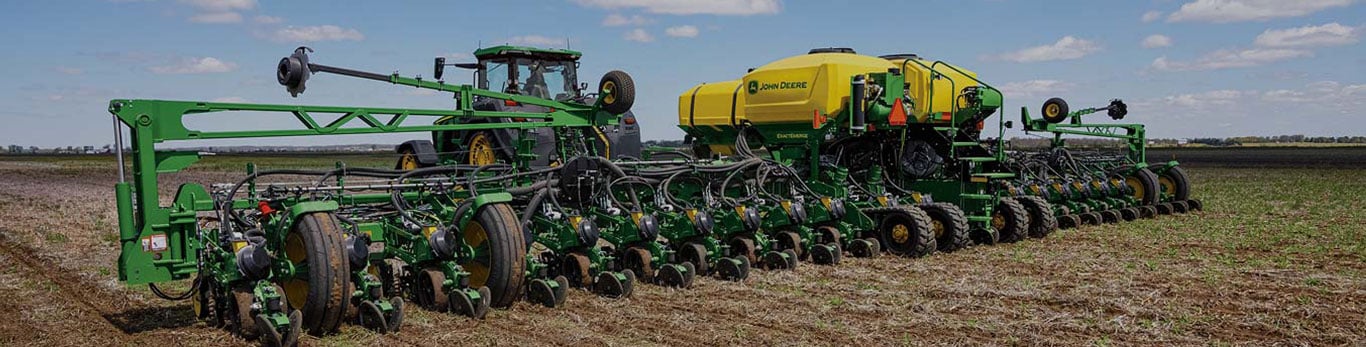
See what's happening below the surface – plant with confidence
Stop wondering if you’re hitting proper depth, maintaining clean furrows, and optimizing your seedbed. FurrowVision™ lets you monitor seed placement and furrow conditions in near-real-time – right from your cab. A live feed streams images of the furrow and planting data directly to your G5 Display, so you can make on-the-go adjustments to ensure consistent trench quality and seed depth.
- Overapplying downforce margin by 75-100 lbs (34-45.4 kg) can decrease yield by 8-10 bu/ac (1,092-1,365 kg/ha)¹
- Underapplying downforce can lead to shallower planting depths and decreased yields
- Three camera modules – left, center, and right wing rows – for near-real-time cab insights
- Lasers continually measure furrow depth and record data to your John Deere Operations Center™ account
Compatible planters include the 1775NT in 12R30, 16R30, and 24R30 configurations; the 1795 in 23/24R15 and 31/32R15 (front rank only); the DB44 in 24R22; the DB60 in 24R30, 36R20, and 47/48R15 (front rank only); the DB66 in 36R22; the DB80 in 32R30 and 48R20; the DB88 in 48R22; and the DB90 in 36R30 and 54R20.
Requirements include SeedStar 5™ planter monitoring software (or an upgrade to it), a G5 display, and implement Ethernet. It is not compatible on machines with ExactShot installed, nor with seed firmers or in-furrow press wheels. This solution is designed for crops planted deeper than 1 in. (2.54 cm) seeding depth.
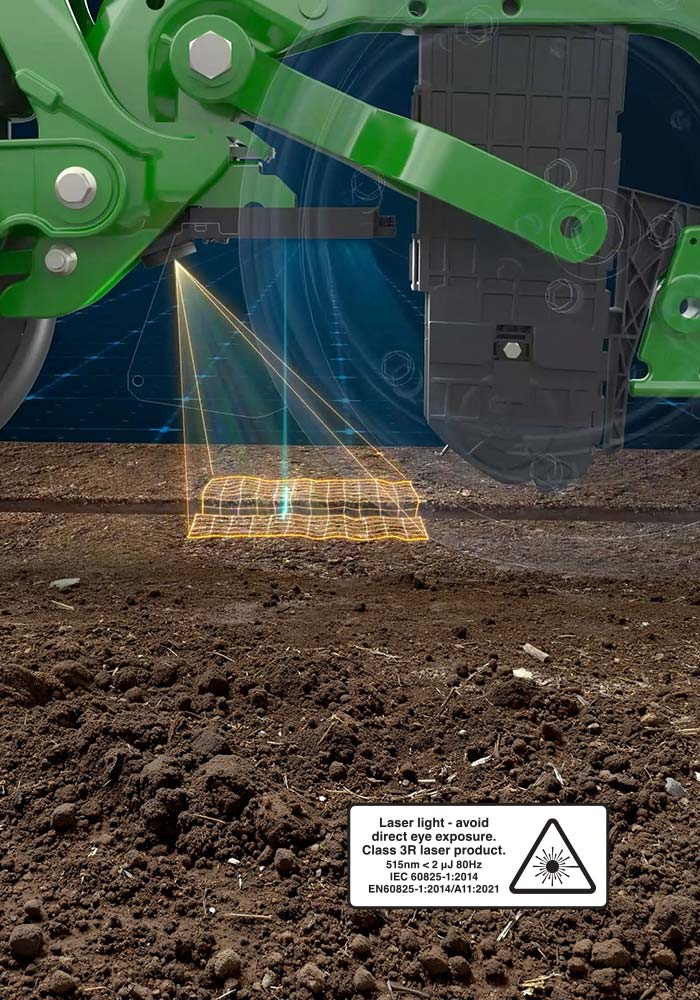
Downforce Automation Powered by FurrowVision™
Downforce Automation is designed to achieve uniform emergence by maintaining the correct planting depth and reducing furrow collapse. The feature automates adjustments for various field conditions, simplifying the process and allowing you to stay in the cab. It takes into account ground contact and soil resistance to effectively optimize downforce.

LET'S TALK
Schedule an evaluation of your current equipment with your John Deere dealer.

CUSTOMIZE
Our trained technicians will help you determine the best upgrade solution for your operation.

INSTALL
Add the latest technology and replace worn parts at the same time.
GROW
Strengthen ROI, reduce input costs and improve yields with a Precision Upgrade.
Precision Upgrades and Precision Technology
More and more farmers are using precision technology to find new efficiencies, improve yields and increase profits.
Here are the basics to get you started.
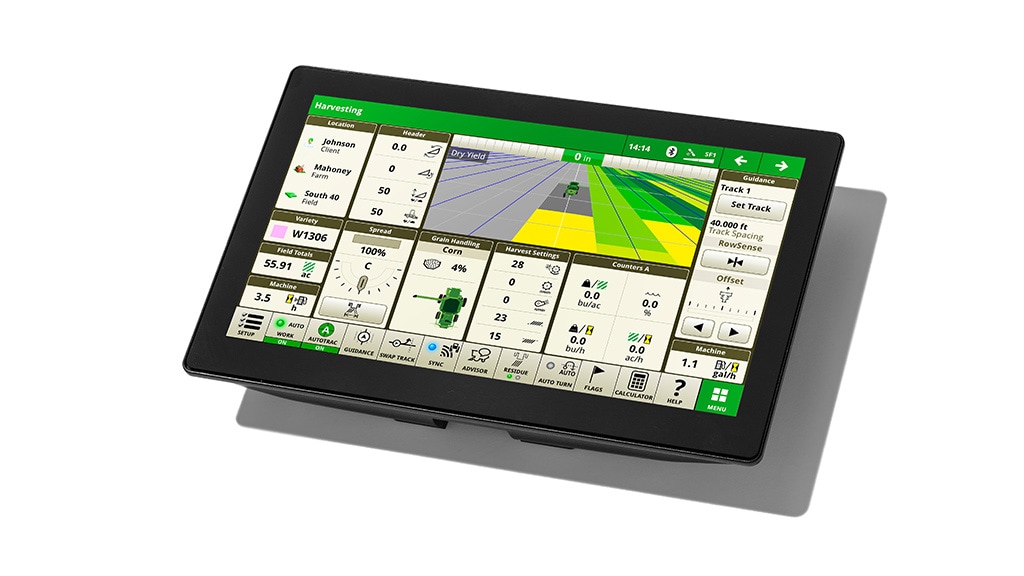
G5 Display
Manage guidance lines, application rates, input placement, and more with a bigger, faster, and clearer touchscreen display compared to our previous models.
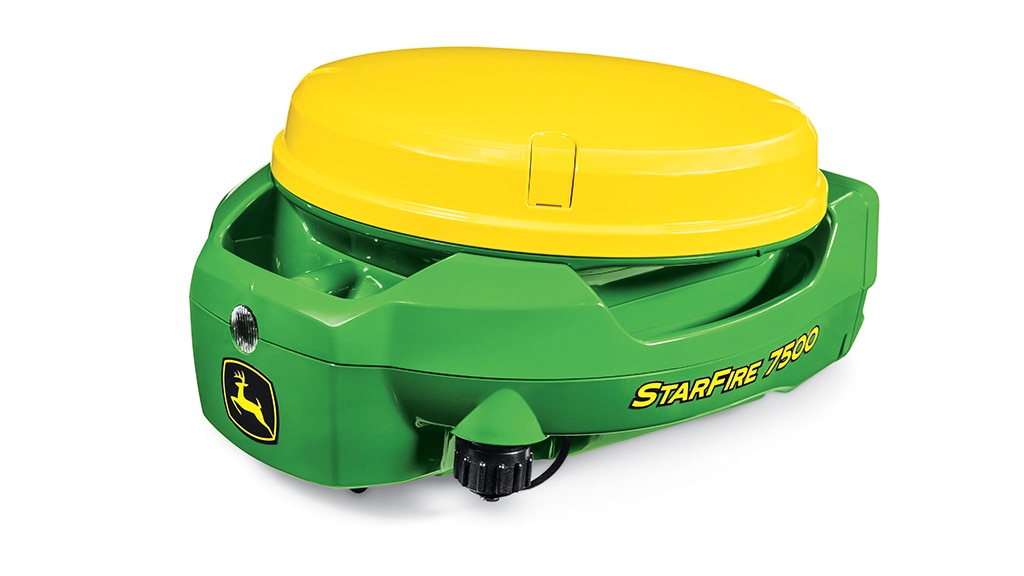
Starfire™ 7500 Receiver
The next generation receiver – with SF-RTK gives you accuracy within 2.5 cm and up to 73% faster pull-in times3.
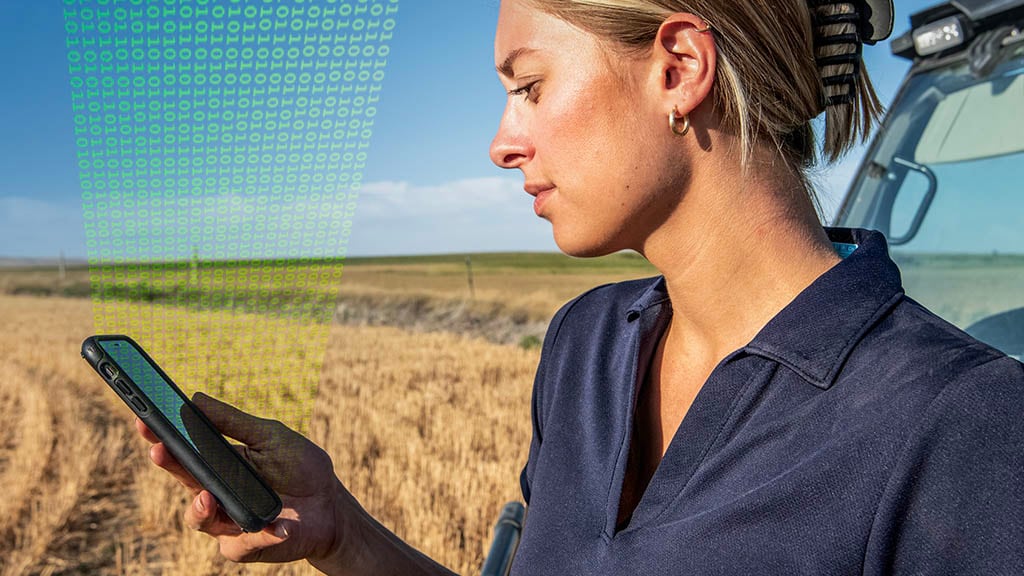
JDLink™ Connection2
Connect your machines — regardless of brand or age — for fast data transfer to your Operations Center Account.
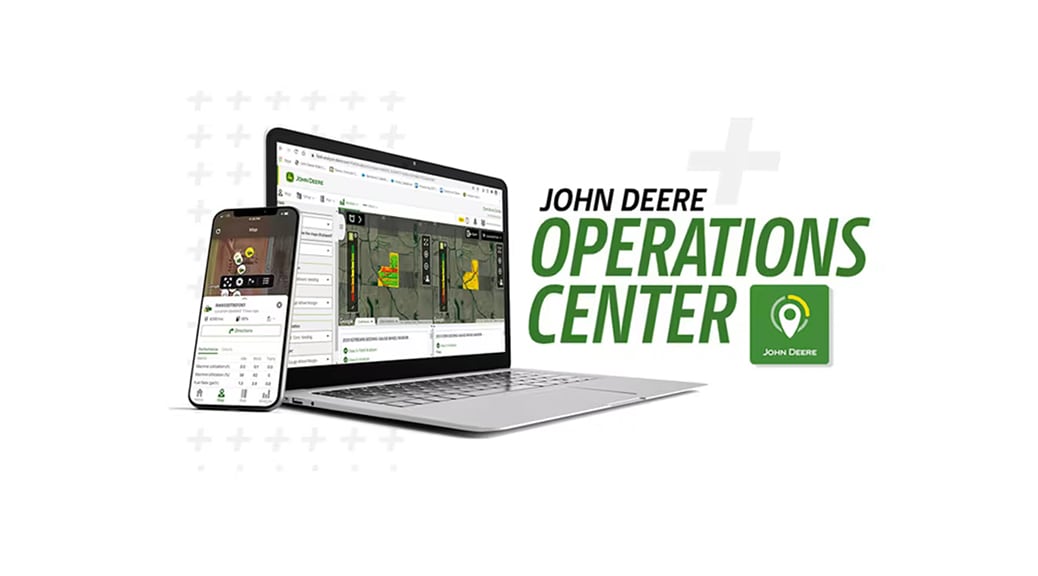
John Deere Operations Center™
The leading cloud-based farm management system to help you monitor, organize, analyze, and share your data 24/7.
1Based on research from the University of Wisconsin. See access.onlinelibrary.wiley.com/doi/full/10.1002/agj2.20774
2You can turn on JDLink connected service in your John Deere Operations Center account for free. JDLink requires a cellular connection to transfer information from machine to Operations Center. Consult your John Deere Dealer for coverage availability.
3Compared to previous models.